How it works

Three innovations that make it work.

S.O.S. is not a Wi-Fi filter and not an MDM. It governs at the device level, scores trust continuously, and is architecturally incapable of surveilling a student's personal life.

1

The session attaches to the device โ€” not the network

A trusted school gateway (or teacher) captures an enrolled device into a school session. The policy then lives on the device, so switching to cellular, a hotspot, a VPN, or private DNS doesn't release it โ€” each becomes a logged bypass attempt, not an escape hatch. This is the structural answer to "can't a student just switch networks?"

2

A multi-layer Network Integrity Engine

Every device is scored 0โ€“100 in real time across five signal layers โ€” IP intelligence, device attestation, network behavior, school-gateway verification, and admin policy โ€” then classified Verified / Trusted / Suspicious / Restricted and mapped to an enforcement action. Try it live โ†’

3

Privacy-preserving campus detection

A device proves it's on the school network by matching its egress IP to the school's ranges โ€” and transmits an IP only when it's on campus. Off-campus, no address ever leaves the phone. The school learns "on our network / not," never where a student is otherwise.

The campus boundary

It knows the school's edge โ€” without tracking where a student goes.

A device proves it's on campus by matching its network address to the school's range. Inside the boundary, distractions are managed. Step outside, and the phone is fully private again โ€” and no off-campus location ever leaves the device.
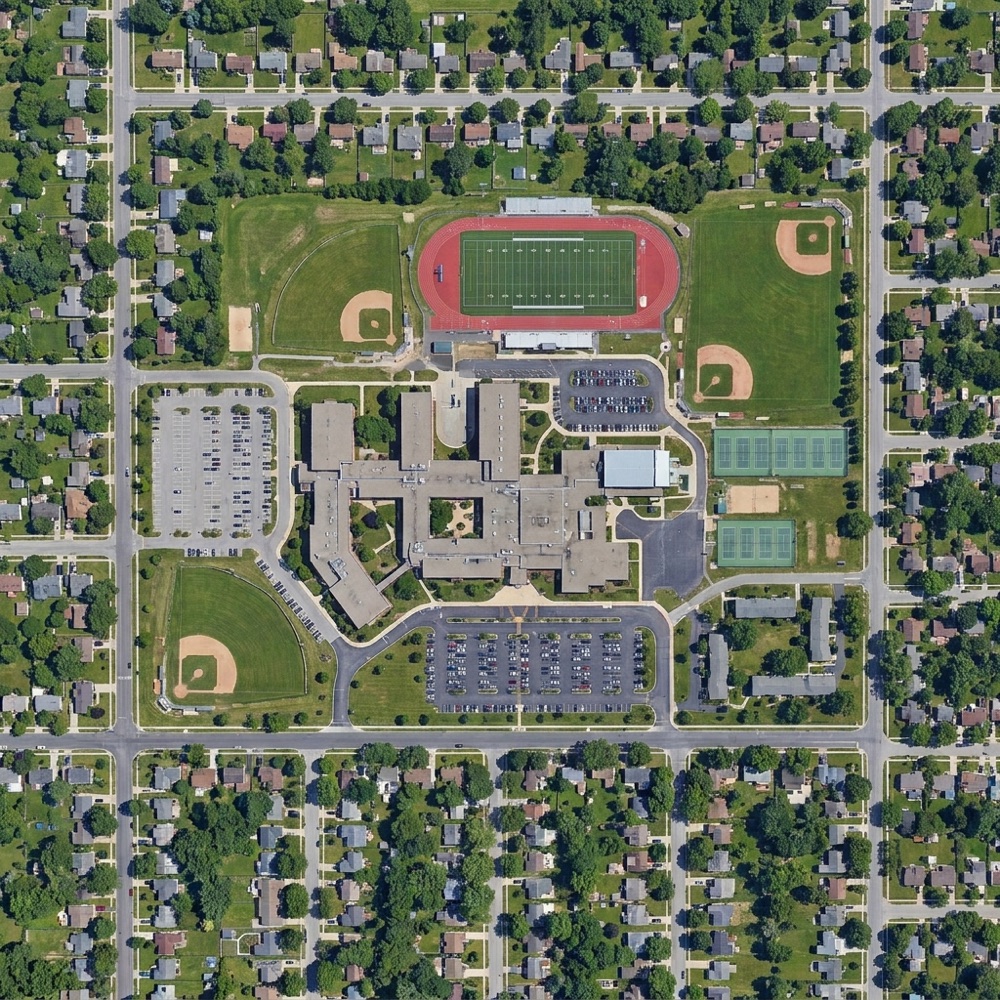
Aerial view of a school campus: managed School Zone inside the boundary, private Personal Zone outside
๐Ÿ”ด School Zone
distractions managed
๐ŸŸข Personal Zone
fully private
Inside the boundary School Mode engages automatically โ€” no toggle, no teacher. Social apps and games pause.
Outside the boundary The phone is the student's again. S.O.S. reports "off campus" and sends no address at all.
Privacy by design

It can't surveil โ€” by construction, not just by promise.

S.O.S. collects only what's needed to confirm policy compliance. Over-collection is made architecturally impossible: the backend accepts a tiny whitelist of fields and discards everything else. Enforced in code, not a policy page.

โ— What it collects (only this)

  • โœ“ Device ID โ€” the managed device
  • โœ“ Mode state โ€” School vs Personal right now
  • โœ“ Compliance status โ€” does the device match policy
  • โœ“ Mode-change events โ€” timestamps only
  • โœ“ Blocked-domain names โ€” the name only, never the URL or page
  • โœ“ On-campus status โ€” a boolean; IP only when on the school network

โ— What it never collects

  • โœ• Browsing history or website content
  • โœ• Messages, photos, or personal files
  • โœ• Social media or private app data
  • โœ• GPS / location ยท keystrokes ยท screenshots
  • โœ• Off-campus IP addresses โ€” the home/cellular address never leaves the phone
  • โœ• Anything at all in Personal Mode โ€” there is no code path that logs it
One system, both platforms

iPhone and Android โ€” one backend, one dashboard, one integrity engine.

No student is left out by the phone in their pocket. Android holds tamper-proof control even on a personal device; iPhone delivers the same school-hours app and web governance through Apple's consent-based Family Controls, with full parity on school-owned devices.

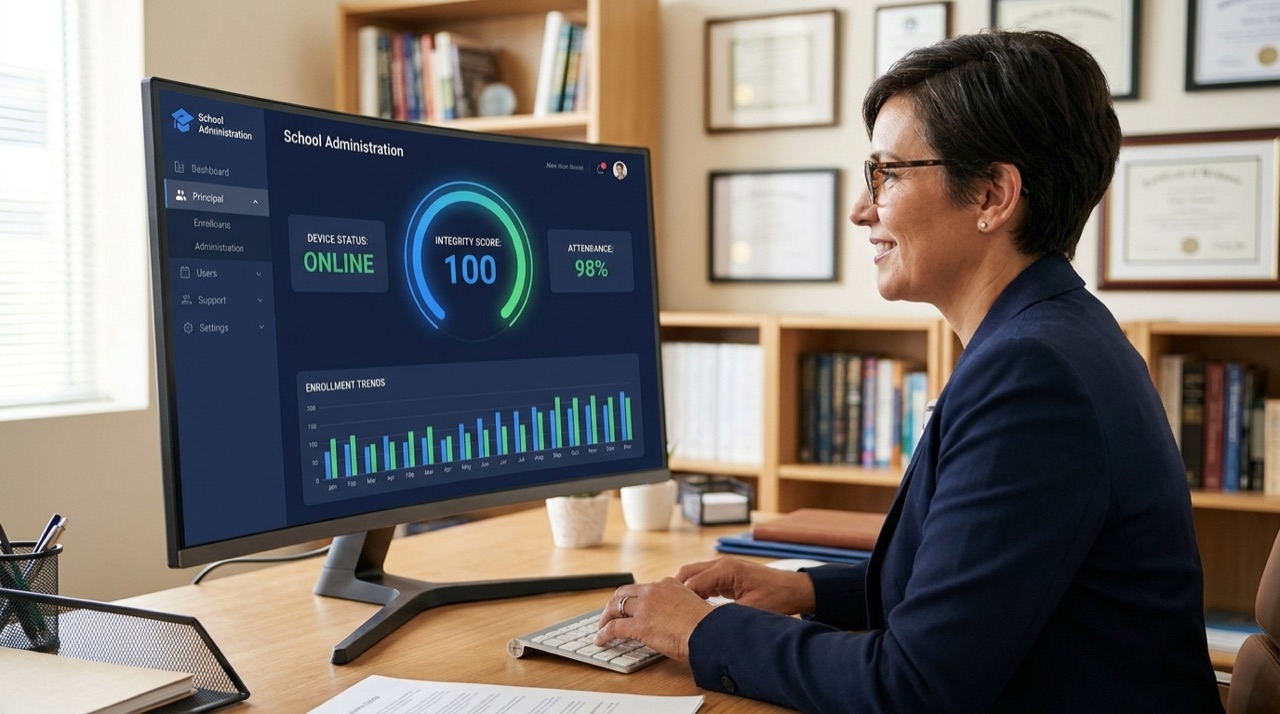
A school principal reviewing the S.O.S. administrator dashboard on a desktop monitor
For administrators

Run the whole building from one screen.

Principals and IT leads get a single dashboard: who's enrolled, every device's live integrity score, active sessions, AI recommendations, and aggregate pilot analytics โ€” with parent consent and privacy built in. No new hardware, no surveillance, low IT burden by design.

  • โœ“ Live device gateway + 0โ€“100 integrity scoring
  • โœ“ Outcome analytics for boards & grant reviewers
  • โœ“ FERPA / COPPA-aligned, privacy-by-design
๐Ÿ“… Book a demo for your school